Start here
Sign in to your shop console at buzz.airea.co.nz/console. Everything on your site, from hours and prices to photos and bookings, is changed there. New to Buzz? Read Getting started with the shop console first.
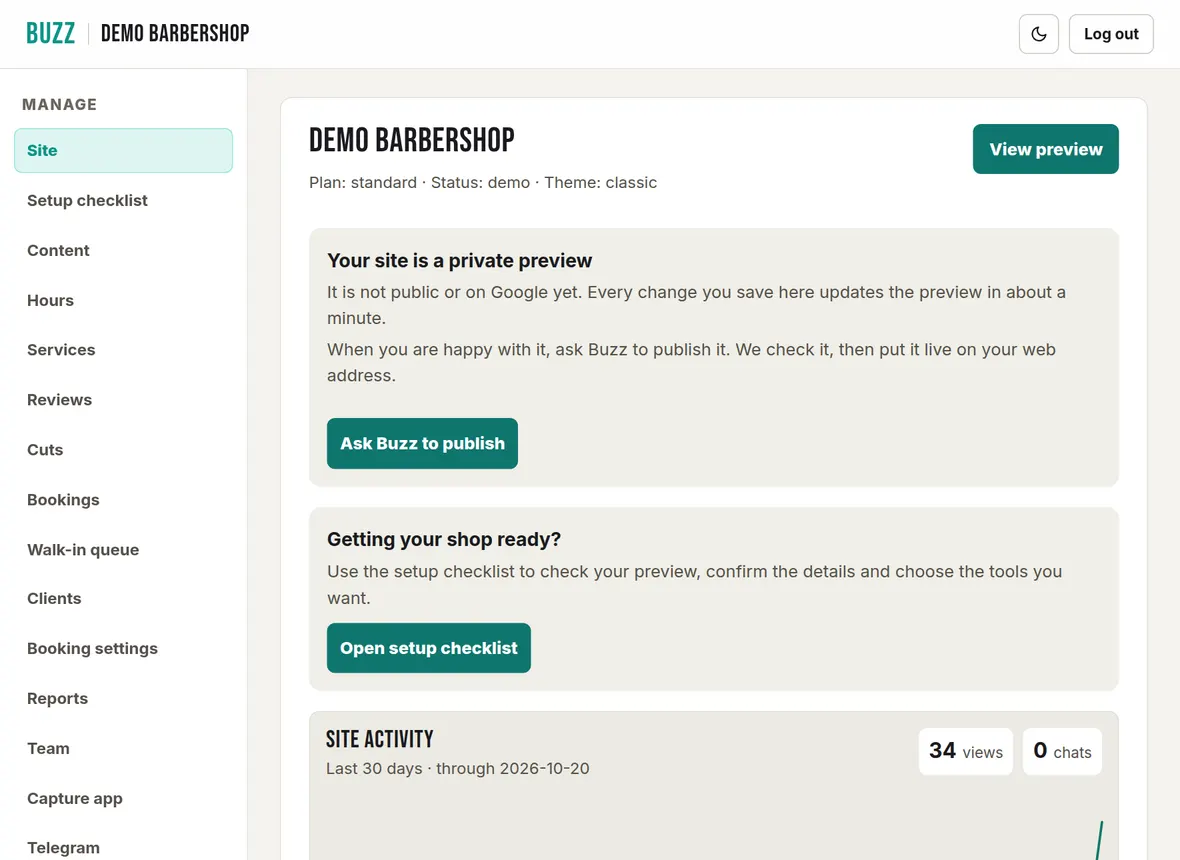

How to run your barbershop website with Buzz, step by step: your shop console, website, bookings, walk-in queue, photos and billing.
Start here
Sign in to your shop console at buzz.airea.co.nz/console. Everything on your site, from hours and prices to photos and bookings, is changed there. New to Buzz? Read Getting started with the shop console first.
Signing in, the console menu, your preview, asking Buzz to publish, and how long changes take to show.
Theme, opening hours, services and prices, wording, Google search, FAQ, rules, areas served, logo, photos and reviews.
Snap cuts at the chair, add before and after photos, approve, download or delete them, and show your Instagram.
Connect your bank, choose how customers pay, set cancellation rules, barbers, add-ons, blocked dates and fees.
Add phone bookings, check in, no-shows, reschedule, take payment, cancel or refund, and the waitlist.
Turn the queue on, set the rules, check barbers in, run the queue board and set up a kiosk or waiting-room display.
Client notes, importing clients from a CSV, takings reports, PDF export and Xero files.
Add barbers and photos, give barbers their own sign-in, set up a shop device, and remove access.
Answer site chat from your phone, approve cuts, get waitlist alerts and show busy or quiet.
Your plan and trial, your card and invoices, cancelling, and your web address.
Every change you save goes to your site automatically. Your live site shows the change within 2 minutes, usually in under a minute. Refresh the page to see it. More
Go to buzz.airea.co.nz/console and enter the email on your Buzz account. We email you a one-time login link. You can also continue with Google or Microsoft. More
In the Buzz shop console, open Hours, set the open and close time for each day (tick Closed for days you are shut), then press Save hours. For a public holiday, block the date in Booking settings. More
In the Buzz shop console, open Services, edit the price on any service, then press Save services. Your site shows the new price within 2 minutes, and the From price updates itself. More
In the Buzz shop console, open Booking settings, choose Pay in the shop, no card under How customers pay, press Save payment choice, then switch on Accept online bookings. The switch saves straight away. More
Use the Something needs fixing? box on the Site page or the setup checklist, or email hello@airea.co.nz. We reply by email. More
Use the Something needs fixing? box on the Site page of your console, or email hello@airea.co.nz. Tell us your shop name and what you were trying to do, and we reply by email.
Open my shop console